Intro#
A master is not bound by tools. Margaret Hamilton sent Apollo to the Moon by punching cards, and Linus Torvalds is said to have used uEmacs for Linux development.
But I am not that kind of master. CLI is cool, but if it is not a simple task, I used to think that insisting on CLI while leaving a GUI environment aside was just pretentious.
Here are some useful and cool TUI tools that changed that thought.
Zellij#

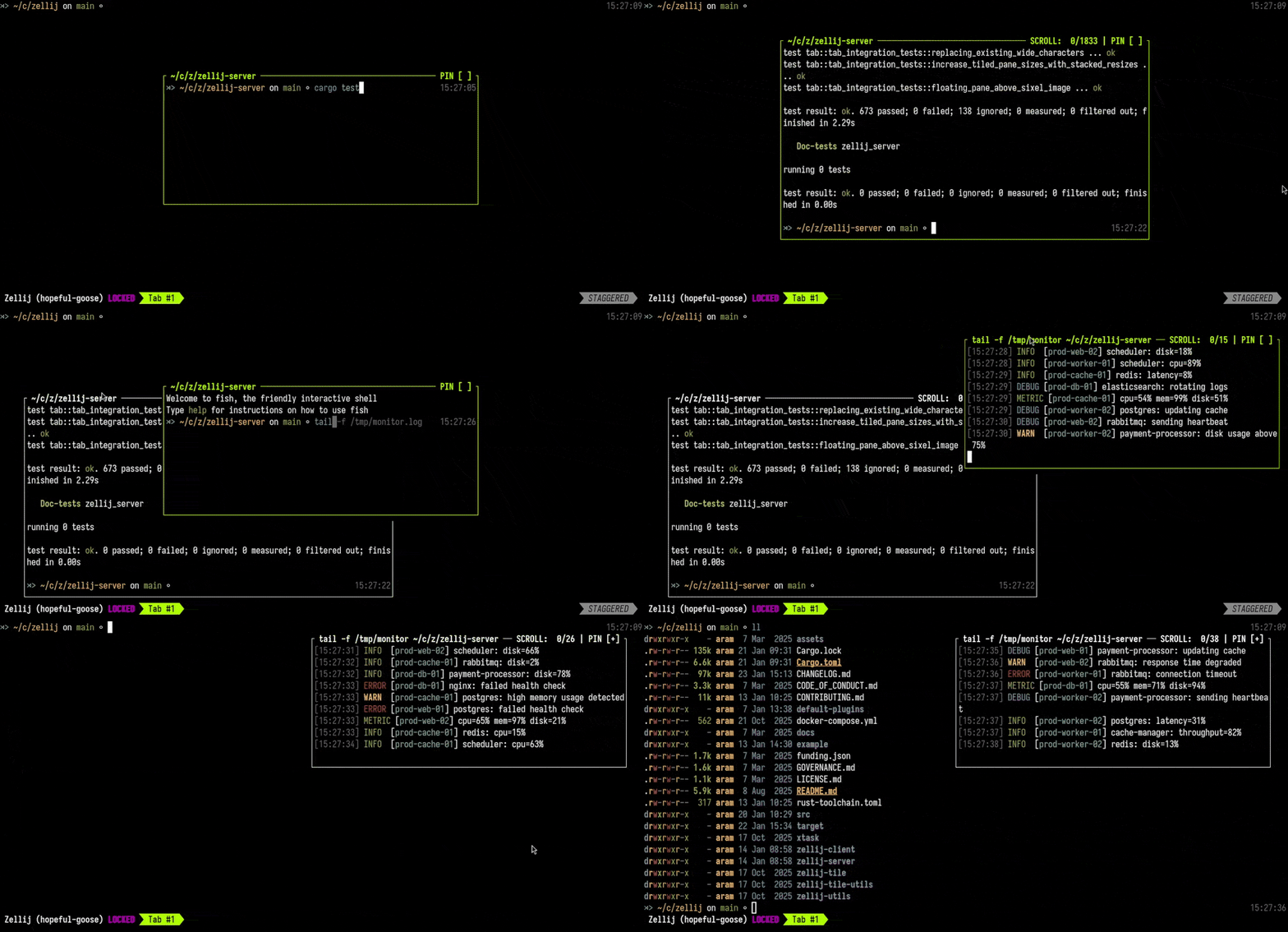
Zellijis a terminal multiplexer similar totmux. Think of it as a tool that lets you split one terminal into multiple workspaces.
Suppose you are connected to a server through SSH and watching logs with tail -f app.log. If you want to keep that log screen open while doing another terminal task, you usually have to split the terminal on your own computer, connect to the server through SSH again, and then work there.
But with Zellij, you can split panels inside a single session. Even while continuing to watch the logs, you can enter panel mode with Ctrl + p, create a new panel, and do another task inside the same SSH connection. Also, if you use detach to leave the session alive in the background, you can later use attach to continue with the panels and running tasks you had opened before.
There are many other features, but let’s just look at what I think is Zellij’s coolest feature: Floating Panes (GIF below).
Related Sites
- GitHub: https://github.com/zellij-org/zellij
- Homepage: https://zellij.dev
- Docs: https://zellij.dev/documentation/
Yazi#

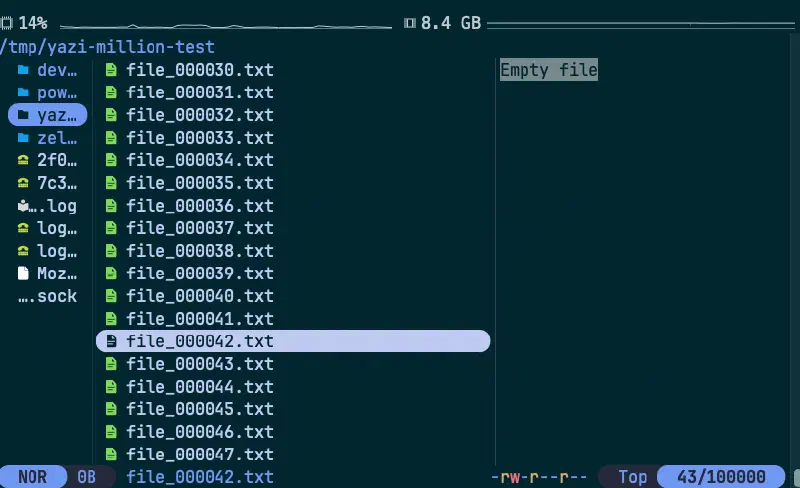
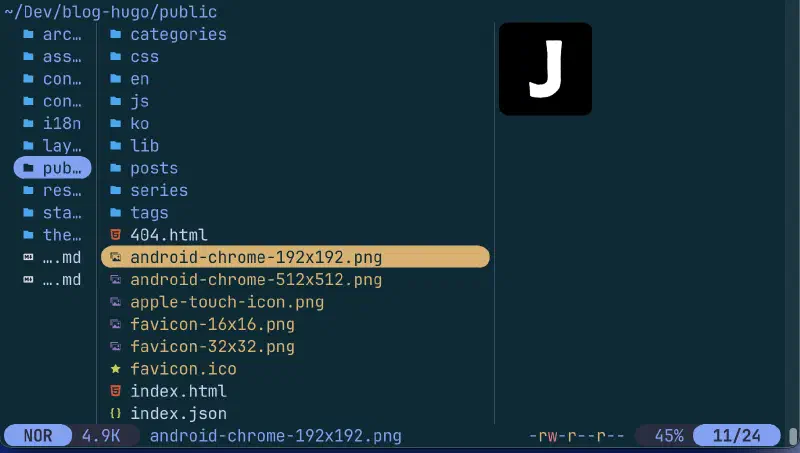
Yaziis a file manager TUI. Think of it as using Windows Explorer or macOS Finder inside the terminal.
These days, I think I use Yazi more than Finder even on my Mac. If the folder structure is simple, ls is enough, but once it gets even a little complicated, the endless loop of ls → cd → ls -al → cd begins. Yazi makes this file navigation process much more convenient. Also, basic actions like moving and selecting are quite similar in concept to vim, so it is easy to get used to.
The coolness is a bonus, and maybe because it is written in Rust, it indexes 100,000 files inside the terminal in under one second. Also, since I can assemble tools like rg, fzf, and nvim with plugins however I want, once it is set up, I end up handling most file-related tasks through Yazi.
Related Sites
- GitHub: https://github.com/sxyazi/yazi
- Homepage: https://yazi-rs.github.io/
Posting#
Think of
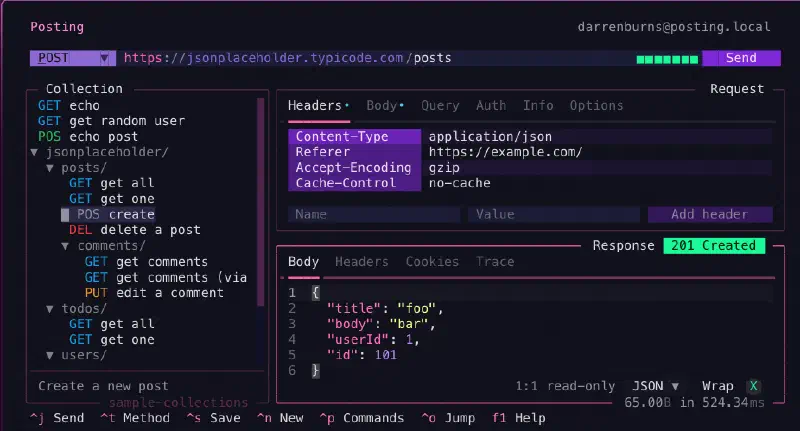
Postingas Postman for the terminal.
Honestly, I do not use Posting that often. When I am doing something properly, I open Apidog or Postman, and when I am just doing a quick test, curl is enough.
But if you must work in a “CLI-only” environment, the story changes. If you have ever attached a bunch of headers and body data to curl and then found a typo four lines above, give this a try.
It also has features for working with OpenAPI/Swagger specifications, but honestly, if the situation is that complicated, just use a GUI client comfortably. If it is truly CLI-ONLY…. good luck.
Related Sites
- GitHub: https://github.com/darrenburns/posting
- Homepage: https://posting.sh/
Final#
Honestly, I am not using even 1/10 of what these TUI tools can do. But even this much changes the feeling of working in the terminal quite a lot.
These days, many of them also provide ways to try them easily without installing them on your computer, so give them a quick try.
If I get the chance, I will also cover the Lazy TUI series that I use often.
3-Point#
- CLI is cool.
- TUI makes that coolness more convenient.
- First, open the terminal and give it a quick try.